Up to 4 colours. One print.
Name tags, signs, logos and coloured details printed in one piece, no painting. Upload your file, switch on Multicolour and see the price instantly.
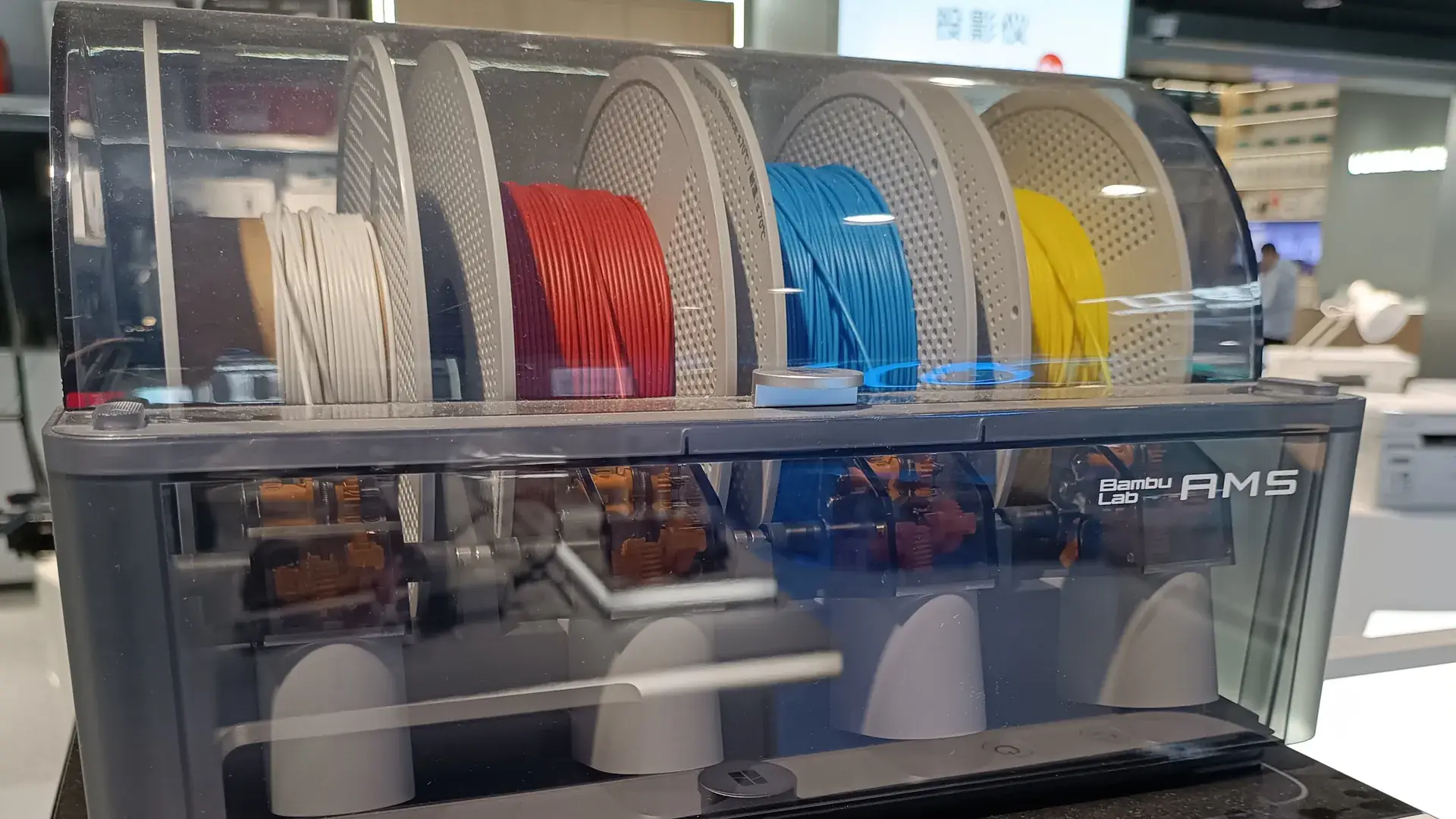
Colour by height, or colour by part
Colour by height
Works with any file, even a single STL. Pick the heights where the colour changes and see it on the 3D preview straight away.
- Name keychains and tags
- Signs, plaques and house numbers
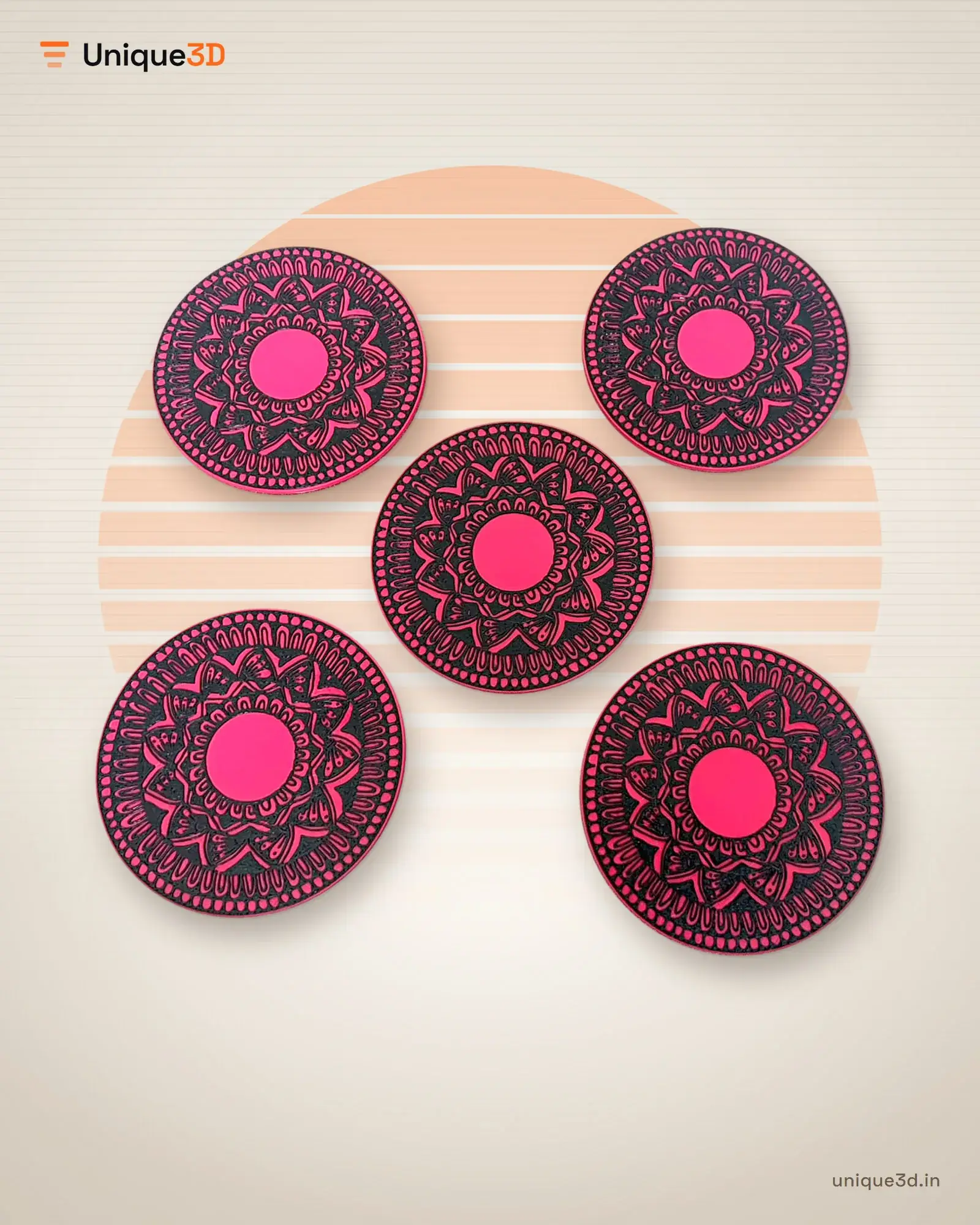
- Coasters and logos with raised detail
- Layered lithophane-style art
Colour by part
Your file holds separate parts (a STEP assembly, a 3MF with parts, or an STL with separate shells). Give each part its own colour.
- Logos and text inlaid in a base
- Two-tone enclosures and covers
- Figurines and models with coloured details
- Assemblies printed in one go
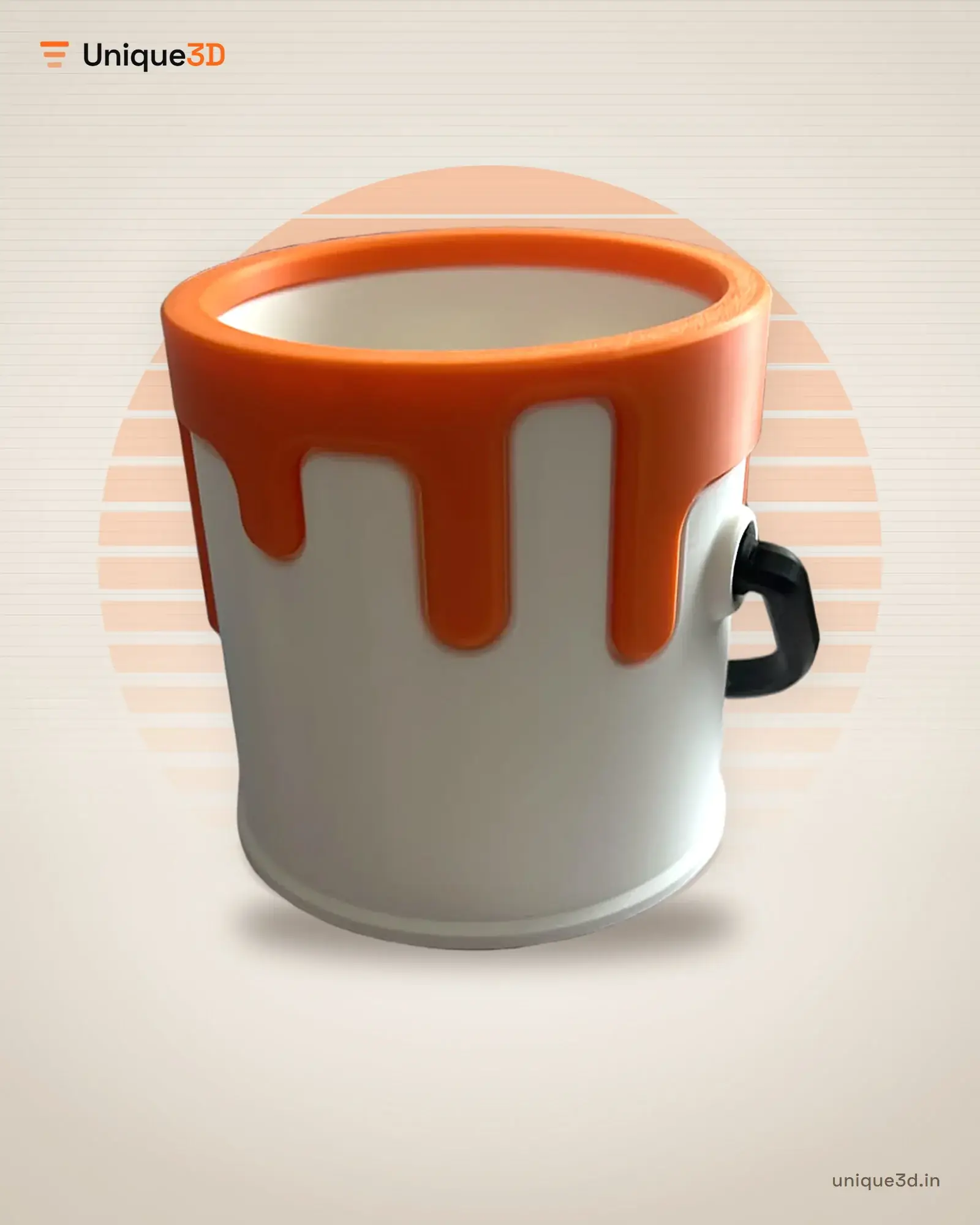
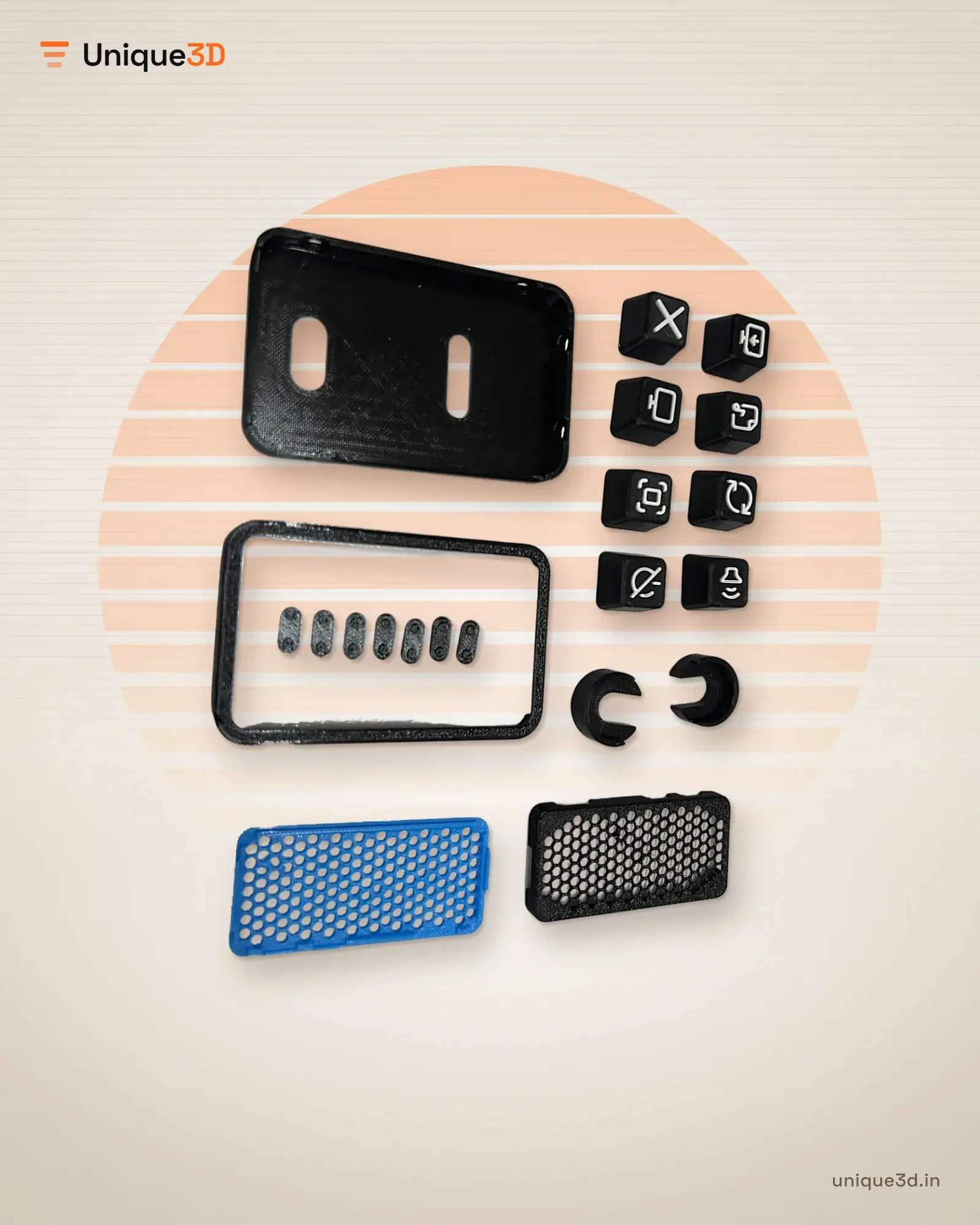
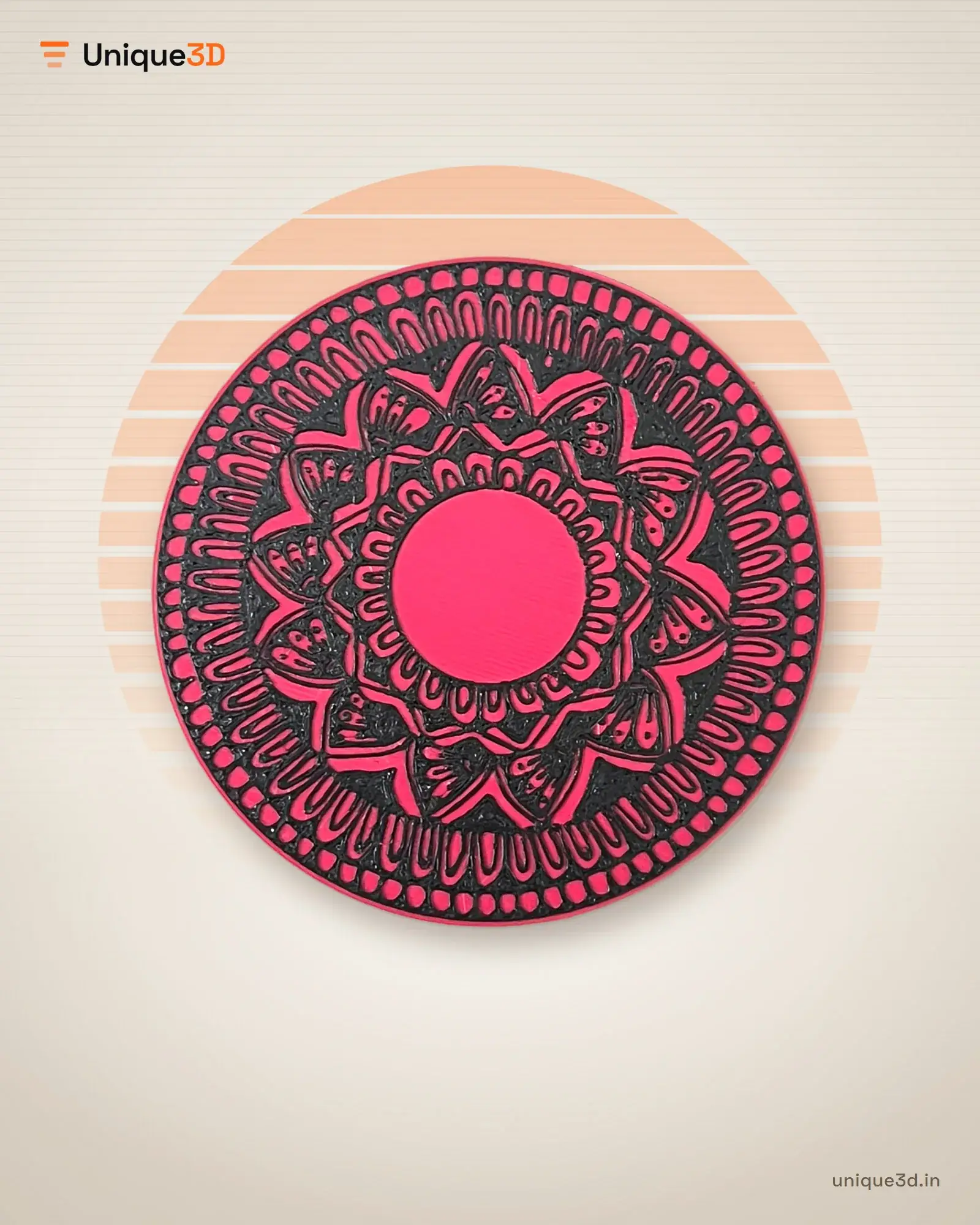
More than one colour, as printed
Photographs of finished prints. No painting.
What multicolour costs
Real prices from our instant quote, PLA, standard quality, inclusive of all taxes. A batch shares the colour changes, so each piece costs less.
| Part | One colour | Multicolour | Multicolour, in a batch |
|---|---|---|---|
| Name keychain50 × 20 × 4 mm · White base, black name from 2.4 mm (by height) | ₹49 | ₹53 | ₹44 each × 20 |
| Coaster with linework95 × 95 × 4 mm · Base and linework as two parts (by part) | ₹103 | ₹120 | ₹98 each × 10 |
| Logo sign, three colours120 × 60 × 5 mm · White plate, black ring, orange logo (by height) | ₹91 | ₹124 | ₹99 each × 5 |
Multicolour in the instant quote
- 1
Upload your file
STL, STEP, OBJ, 3MF or IGES on the quote page.
- 2
Switch on Multicolour
Choose by height or by part, then up to 4 colours. The preview shows every colour.
- 3
See the exact price
The price updates with every change, inclusive of all taxes.
- 4
We print and ship
Dispatched in 2–3 working days, anywhere in India. Next-day in Bengaluru.
Getting the most from multicolour
- Colour by height is the cheapest multicolour: the printer changes colour only a few times per print.
- With colour by part, every layer where two colours sit side by side needs a colour change, so tall parts that share layers cost more. Raised text and logos of 0.6 to 1 mm keep it quick.
- Export each colour as its own body or part: in Fusion, SolidWorks or Onshape that's a separate body; in Tinkercad, ungroup the coloured shapes before export.
- Order several pieces together: copies printed on the same plate share the colour changes, so each one costs less.
Multicolour questions
How many colours can you print in one part?
Up to 4 colours in one print, in PLA, PETG or ABS. Colour bands can repeat, so a part can go white, black and back to white.
How do I prepare a file for multicolour printing?
For colour by height, any file works: you pick the heights on the quote page. For colour by part, export each colour as a separate body or part (STEP or 3MF keep them apart; an STL works when the shapes don't touch each other's surfaces).
Why does colour by part sometimes cost more than colour by height?
The printer changes filament between colours, and each change takes about a minute. Colour by height changes a few times per print. When two colours share the same layers, it changes on every one of those layers, which adds time and flushed filament.
Can you print painted 3MF files from Bambu Studio or MakerWorld?
Yes. Painted colours don't show in our instant quote yet, so send the 3MF on WhatsApp and we'll reply with the price, usually the same day.
Is multicolour available in TPU?
No. Flexible TPU prints in one colour. Multicolour is available in the rigid materials listed on this page.